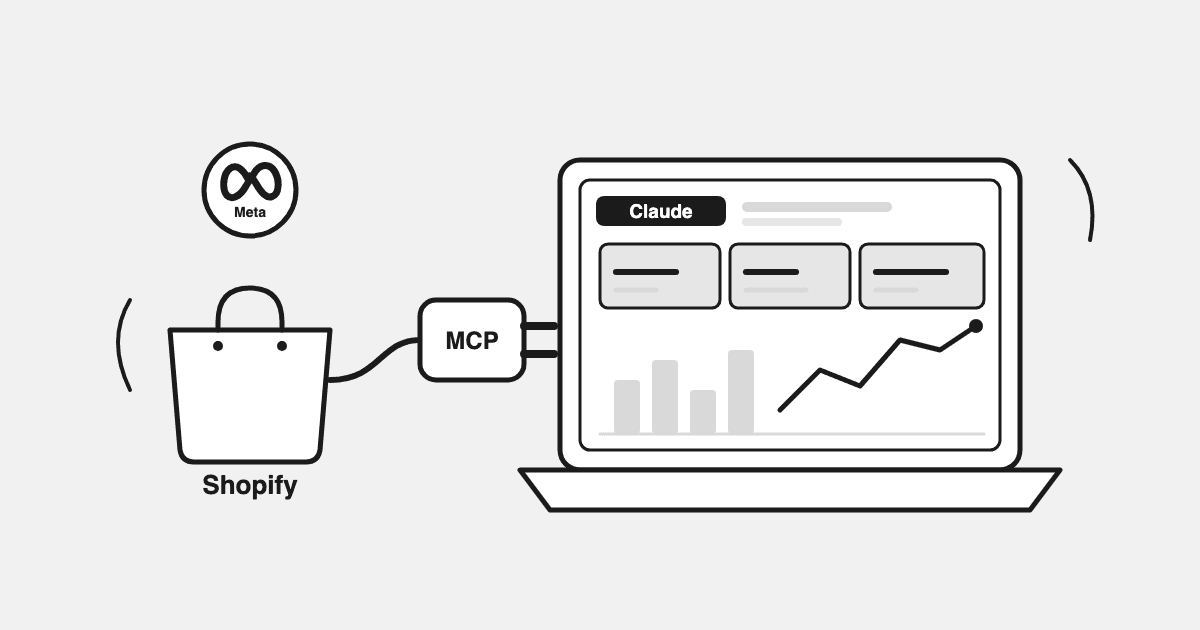
Every morning, the same ritual: Shopify admin in one tab, Meta Ads Manager in another, Google Ads in a third, and a spreadsheet where you paste numbers between them. Twenty minutes later you have yesterday's picture — assembled by hand, again.
If you already use Claude for everything else, there's a better version of this morning. Connect your store's data to Claude through an MCP, and "what did we do yesterday?" becomes a question you type once — and the answer comes back with revenue, spend, and orders in one pass. Ask a follow-up, and Claude will even build you a dashboard you can keep coming back to.
This guide walks through exactly how to set that up, what it looks like in practice, and where the DIY route's limits are — honestly, because we hit them ourselves before building around them.
I'm Sumit Bansal, co-founder of Datadrew and formerly Head of Growth at AdYogi, where I worked with 200+ e-commerce brands on exactly this daily-numbers problem.
Key Takeaways
- MCP (Model Context Protocol) is an open standard, introduced by Anthropic, that lets Claude connect to outside data sources like your store and ad accounts (Anthropic, retrieved 2026).
- Shopify, Meta, and Google each offer their own official connectors — genuinely useful, but each one returns its own platform's numbers in isolation, so the cross-channel math is still on you.
- A reconciled MCP (one source, all channels, one set of definitions) turns Claude into a morning-numbers surface: ask for yesterday, ask why it moved, and have Claude render a dashboard on the spot.
- You can set this up in about ten minutes, and the Datadrew MCP's data layer is free to connect.
What an MCP Actually Is (60 Seconds)
MCP stands for Model Context Protocol — an open standard that gives AI assistants like Claude a way to plug into external tools and data sources (Anthropic, retrieved 2026). Think of it as a universal socket: once a data source ships an MCP server, Claude can query it in plain conversation.
The ecosystem moved fast in 2026. Shopify shipped native merchant connectors for Claude and ChatGPT. Meta released an official ads MCP. Google, TikTok, Pinterest, and Microsoft followed. If you run a Shopify store, your data is more reachable from an AI chat window than it has ever been.
So the question is no longer can Claude see your store. It's what version of your store Claude sees.
The DIY Route — And Where It Runs Out
You can wire up the official connectors yourself, and for one-off questions it's genuinely good. Ask the Shopify connector about yesterday's orders and you'll get a real answer. This is a respected setup and plenty of operators run it.
The limits show up when you try to make it your daily operating picture:
- Each connector answers alone. Shopify tells you revenue, Meta tells you Meta's spend, Google tells you Google's — but nothing blends them. "What was my total ad spend against actual sales yesterday?" means Claude stitching three isolated answers together, with no shared definitions underneath. (For why blending matters, see our guide to calculating blended ROAS across Meta, Google, and Shopify.)
- Thin data windows. Sessions pull from live APIs — rate limits, provisional same-day spend, and short history windows — instead of a warehouse of your actuals.
- No definitions. Is "revenue" gross or net? Does yesterday end at midnight in your timezone or UTC? Every session re-decides, so numbers drift between chats.
None of this makes DIY wrong. It makes it a fast junior analyst: quick answers, no consistent method.
The Setup: Your Store's Truth Inside Claude
The Datadrew MCP takes a different approach: connect once, and Claude queries a single reconciled picture — Shopify orders, Meta and Google spend, GA4 sessions, Klaviyo — synced overnight into one set of numbers with one set of definitions. Every figure ties back to Shopify orders, so revenue means the same thing in every chat.
Setup takes about ten minutes:
- Create a free Datadrew account and connect your sources — Shopify, Meta Ads, Google Ads, and optionally GA4 and Klaviyo. Standard OAuth for each; no code.
- Add the Datadrew MCP to Claude. In Claude's connector settings, add Datadrew and authorize it against your account. (Works on Claude web, desktop, and mobile.)
- Ask your first question. Start with: "How did the store do yesterday? Revenue, orders, total ad spend across Meta and Google, and AOV."
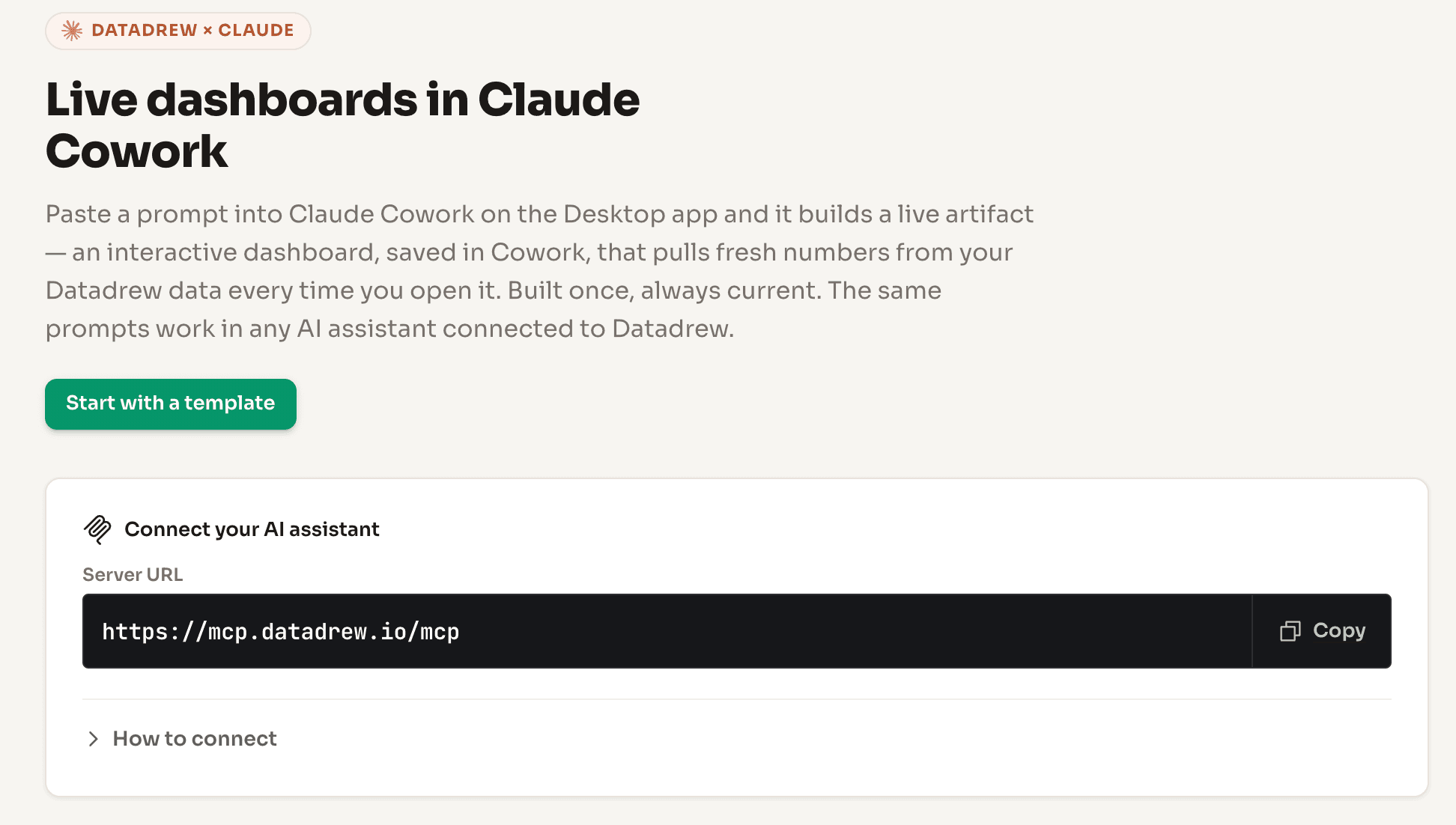
That's the whole install. The data layer is free — this isn't a trial rung; it's the product's free tier.
What the Morning Looks Like Now
Here's the actual flow we and our users run, and the one worth copying.
1. Ask for the morning numbers
"Give me yesterday's numbers: net revenue, orders, AOV, total ad spend across Meta and Google, and blended ROAS. Compare to the trailing 7-day average."
One question, one answer, every channel in the same table — because the MCP is returning reconciled data, not three platforms' separate claims. Channel-level context comes from GA4 source/medium and each platform's own reporting, shown alongside your Shopify revenue.
2. Ask why something moved
"Revenue is down 18% vs. the 7-day average. What moved?"
Claude works through the same data: was it sessions, conversion rate, AOV, a channel pulling back, a product going out of stock? This is the follow-up that used to cost you a morning of tab-hopping. (If ROAS specifically is what moved, our ROAS diagnostic framework covers the decision tree.)
3. Build the dashboard
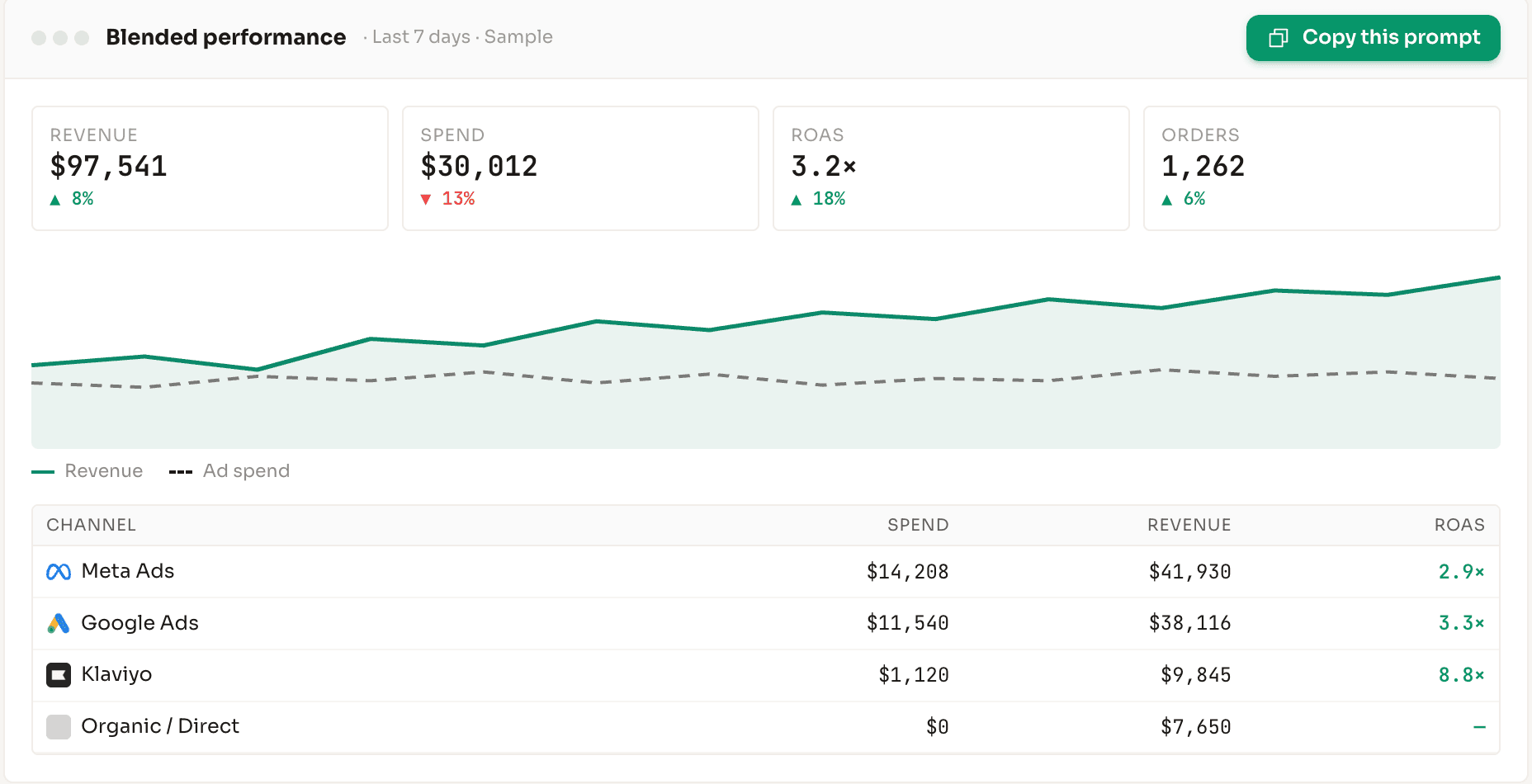
"Build me a dashboard: revenue vs. ad spend trend for the last 7 days, blended ROAS, and a channel-level breakdown of spend and revenue. I want to reuse this."
Claude renders it as an artifact — charts, tables, the layout you asked for — powered by your connected data. Open a new chat tomorrow, ask it to refresh, and it re-pulls current numbers. It's a dashboard that lives where you already work, built by describing it.
4. Make it a habit
Claude supports scheduled tasks on paid plans, so the morning-numbers question can run on a schedule rather than on memory. Combined with a connected store, the ritual compresses from twenty minutes of tabs to reading one answer.
The Agency Version
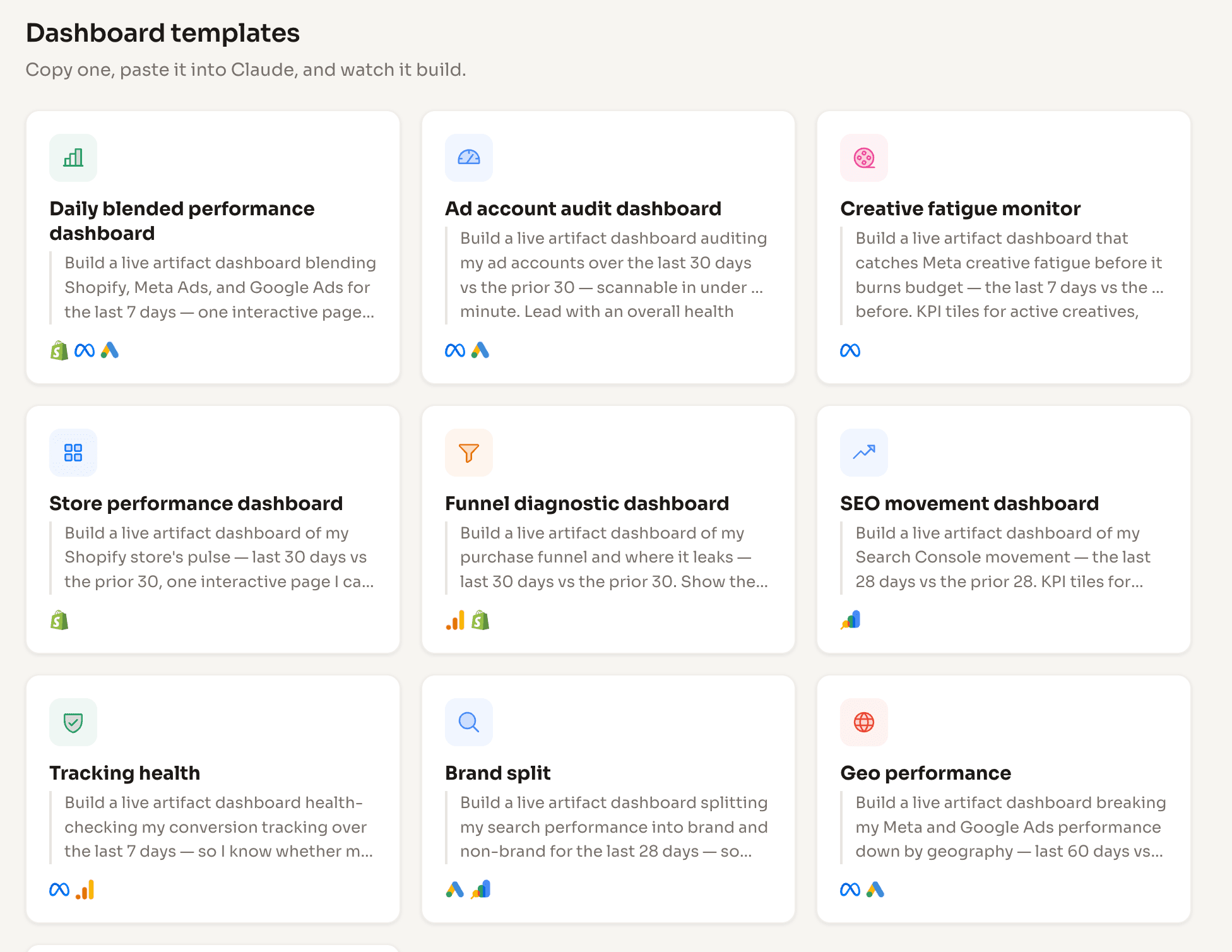
One pattern emerged from our users without us suggesting it: agencies connecting multiple client stores and building a live dashboard per client in Claude — then walking into client calls with numbers that reconcile to the client's own Shopify orders. One agency runs this for five clients today. If you manage stores for other people, the setup above multiplies: same ten minutes per client, one surface for all of them.
What This Doesn't Do (Yet)
Honesty section, because AI-tool posts tend to skip it:
- It reads; it doesn't touch your ads. No budget changes, no pausing campaigns. The MCP is a data surface.
- Numbers refresh on a daily reconciliation cycle, not second-by-second. You're reading yesterday's truth each morning, not a live ticker.
- It won't adjudicate attribution. You get channel visibility from GA4 and platform reporting next to Shopify revenue — not a verdict on which channel "deserves" credit.
For brands that want the analysis done for them — a morning brief delivered to Slack, leak detection, cut/feed recommendations — that's Drew, the paid product. The MCP is the free, self-serve layer of the same reconciled data.
FAQ
What is an MCP and do I need to know how to code to use one?
MCP (Model Context Protocol) is an open standard for connecting AI assistants to external data (Anthropic, retrieved 2026). No code required — connecting the Datadrew MCP to Claude is an OAuth flow in Claude's connector settings.
Does this work with ChatGPT too?
Yes. The same reconciled data layer connects to ChatGPT's connector system as well as Claude. This guide uses Claude because artifacts make the dashboard step visual.
Is my store data safe?
Connections use standard OAuth with read access to the sources you approve. Claude queries your data in-session to answer you; you can disconnect the MCP at any time from either side.
How much does it cost?
The Datadrew data layer and MCP connection are free. Claude itself: dashboards and connectors work on Claude's standard plans; scheduled tasks require a paid Claude plan.
Can Claude update the dashboard automatically every day?
The dashboard re-pulls current data when you ask it to refresh, and Claude's scheduled tasks can run your morning-numbers question on a schedule. The data underneath updates daily via overnight reconciliation.
Sources: Anthropic, "Introducing the Model Context Protocol" (anthropic.com, retrieved Jul 2026). Platform connector availability per Shopify, Meta, and Google developer documentation (retrieved Jul 2026).