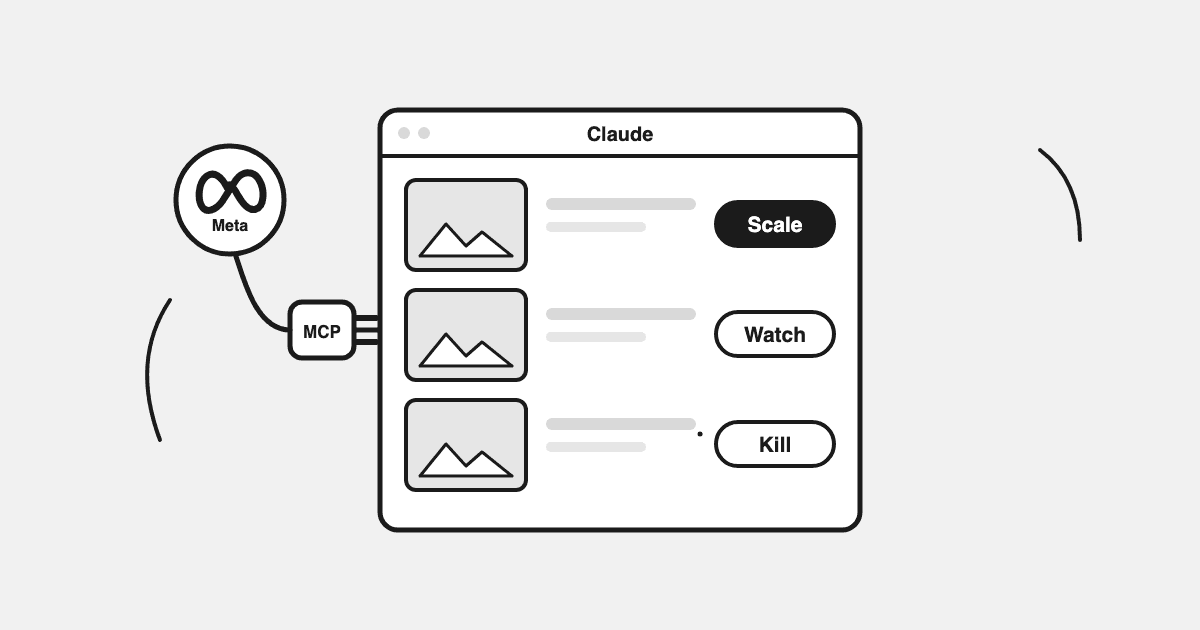
Here's the direct answer: connect the free Datadrew MCP once, and Claude can read every Meta ad creative you're running with a status already attached — Scaling, Healthy, Fatiguing, Dead, or Testing — and tell you which to feed, which to watch, and which to kill today. No exports, no spreadsheet day, no recomputing the judgment from scratch every morning. This guide shows the five-bucket framework, the fatigue signals behind it, eight copy-paste prompts, and how to make Claude draw the charts.
Key Takeaways
- One question — "which creatives should I scale and which should I kill?" — answered from spend, ROAS, link CTR, and CTR decline from peak, not vibes.
- Fatigue follows a chain: frequency up, link CTR down, CPC up, cost per result up. Meta's own "Creative fatigue" flag fires at the end of that chain; the Fatiguing bucket catches it at the start.
- Claude can turn the same data into live charts and dashboards in the chat.
- It's read-only by design: Claude tells you what to change, you act in Ads Manager. That's the safe way to run ads from Claude today.
- Because your store data sits next to your ad data, you can ask what an ad-account-only connector can't: is my scaling creative pushing a product that's nearly out of stock?
Why Your Winning Creatives Die Quietly
Every media buyer knows the pattern. A creative wins, you feed it budget, and somewhere in week two it quietly stops working. The frustrating part isn't that creatives fatigue — they all do. It's that you usually find out one report late, after the wasted spend.
Ads Manager has the raw numbers. But "raw numbers" is the problem: 134 creatives, dozens of columns, and no answer to the only question that matters at 8am — which ones do I scale, which do I watch, and which do I kill today?
That's a triage question, not a reporting question. Here's what triage looks like when Claude does it with your actual account behind it.
The Five Buckets: How Creatives Get a Status
Before the how-to, the framework. Every active creative lands in exactly one bucket:
| Status | What it means | The signal to act on |
|---|---|---|
| Scaling | Winning and absorbing more budget without breaking | Feed it — this is where growth comes from |
| Healthy | Earning its spend, stable | Leave it alone; don't "optimize" a working ad |
| Fatiguing | Still spending, but link CTR is sliding from its peak | The early warning — plan the successor now, before ROAS follows |
| Dead | Spend going in, results not coming back | Kill it; every extra day is paid tuition |
| Testing | Too little spend to judge | Wait — killing these early is how winners get murdered |
The order matters. Fatigue follows a predictable chain: frequency rises, link CTR falls, CPC rises, cost per result rises. By the time ROAS moves, you're at the end of the chain. The earliest reliable signal is link CTR falling from its own peak — each creative measured against its own best, not the account average. We've broken down the full signal order, thresholds, and what fatigue actually costs in Ad Creative Fatigue: Signals, Thresholds, and Real Cost.
A real example: in the account above, the top spender (€9,095 spend, 5.63x ROAS) still looks like a winner on ROAS alone — but its link CTR has slid from 1.59% to 1.15%. That's a creative to watch this week, not next month.
One number people ask for: "what frequency means fatigue?" There isn't a universal threshold. Practitioners use roughly 2.5–3.0 as an early-warning range for cold audiences, but a small retargeting audience fatigues far sooner and a broad prospecting audience tolerates much more. Frequency alone never makes the call — the chain does.
What Meta's Own "Creative Fatigue" Flags Mean (and Where They Fall Short)
Ads Manager has its own fatigue detection, in the Delivery column (Meta's definition):
- "Creative limited" — this ad's cost per result is higher than your past ads', but less than double.
- "Creative fatigue" — cost per result has at least doubled against your historical baseline.
Useful — and late by design. Both flags trigger off cost per result, the last metric in the chain. By the time Meta stamps "Creative fatigue" on an ad, you've been paying double for results for a while. The Fatiguing bucket exists to catch the same ad weeks earlier, at the CTR-decline stage, while there's still time to brief the successor before the winner dies.
And if a winner has already dropped off, fatigue is only one of four common causes — audience saturation, auction pressure, and post-click problems look identical from the ROAS column. We've written the full diagnosis sequence in My Winning Ad Stopped Working; with the MCP connected, prompt #8 below runs it in one message.
Why Not Just Use Meta's Own MCP?
Fair question — Meta's official ads MCP is free and real, and if you're already running ads from Claude, you should know what it does well. What it gives you is the ad account, raw, through a live API window. What it doesn't give you:
- No statuses. You get metrics; the scale/watch/kill judgment is recomputed from scratch in every chat — differently each time.
- Thin history. Sessions re-pull short API windows. CTR-decline-from-peak needs the peak, which means warehouse history, not a 7-day pull.
- Ad account only. Ask ChatGPT itself for the best MCP setup and it will tell you the catch in its own words: an ads-only MCP "cannot cross-reference your Shopify revenue, inventory levels, or actual sales margin" — the usual advice is to bolt on a second Shopify connector and hope the two sources agree.
The Datadrew MCP is one connector that carries both sides already reconciled: your Meta creatives with statuses and history computed, next to what Shopify actually recorded, matched overnight. No second connector, no two-sources-of-truth argument. The free tier is the full read layer — this entire guide runs on it. (For the broader comparison of MCP options for Shopify brands, see our Shopify MCP server guide.)
Connect Claude to Your Meta Creatives in 3 Steps
Step 1 — Install Datadrew and connect Meta. Install Datadrew from the Shopify App Store and connect your Meta ad account (plus anything else you run — Google, GA4, Klaviyo). Overnight, your history syncs and reconciles.
Step 2 — Add the MCP to Claude. In Claude's settings, add the Datadrew connector from datadrew.io/mcp, sign in, done. No API keys, no server to host, no code. The full walkthrough with screenshots is in Connect Shopify to Claude — it takes about two minutes.
Step 3 — Ask the triage question. Open a new chat:
Look at my Meta ad creatives for the last 30 days. Which should I scale, which should I kill, and which are fatiguing? Show spend, ROAS, link CTR, and CTR trend for each.
Make Claude Draw the Graphs
This is the part a static dashboard tool can't match: the chart you need right now, built in the chat, from live data.
Build me a live creative dashboard: spend vs ROAS scatter with each creative colored by status, plus a bar chart of spend by format (image / carousel / video). Flag anything fatiguing.
Claude pulls the data through the MCP and renders it as an interactive artifact. Then you iterate in plain language — "only creatives over €1,000 spend", "add CTR decline as the y-axis", "same view, last 14 days vs the 14 before".
Sixty seconds of prompting replaces the afternoon you were going to spend in a spreadsheet — and tomorrow you just ask again and it's current.
8 Copy-Paste Prompts for Creative Analysis
1. The daily triage (start here)
Look at my Meta ad creatives for the last 30 days. Bucket them: scaling, healthy, fatiguing, dead, still testing. For each: spend, ROAS, link CTR, CTR trend vs peak. End with a three-line action list: scale, kill, watch.
2. The fatigue early-warning
Which of my active creatives show link CTR falling from their peak while spend held or grew? Rank by spend at risk. For each, show current CTR vs peak CTR and days since launch.
3. The kill list, priced
List every dead or fatiguing creative and how much I spent on each in the last 14 days. Total it — that's what acting a week earlier would have saved me.
4. The winner anatomy
Take my top 5 creatives by ROAS with meaningful spend. What do they have in common — format, carousel vs single image, hook style, product featured? What should my next test borrow from them?
5. The format split
Chart my spend and ROAS by creative format — image, carousel, video, catalog. Where is spend concentrated vs where results are?
6. The store cross-check (the one an ad-account-only MCP can't do)
Which products do my scaling and healthy creatives feature, and what does inventory look like for each? Flag any winner pushing a product that's low or out of stock.
7. The Monday briefing
Compare my creative statuses this week vs last week. What moved buckets? Write it as a 5-bullet Monday briefing I can paste to my co-founder.
8. The "why did my winner die" diagnosis
My ad [name] dropped off. Run the checks in order: CTR vs its own peak, frequency trend, CPM trend, then conversion rate after the click — and check whether the product it features is in stock. Tell me which of the four it is: creative fatigue, audience saturation, auction pressure, or a post-click problem.
What Claude Can't (and Shouldn't) Do From Here
Honesty section, because it's also the safety answer: this is read-only. Claude will tell you the €4,300 carousel is dead; it will not pause it. You act in Ads Manager.
That's the point, not a limitation. Letting a chat session edit live budgets — with no diff preview and no spend limits — is not a risk worth taking for the 30 seconds it saves. Analysis in Claude, hands on the account in Ads Manager, is the setup we'd recommend to anyone today, including with other tools.
FAQ
How do I know if my Facebook ad creative is fatigued?
Watch link CTR against its own peak while frequency climbs — that's the early signal. Meta's own "Creative limited" / "Creative fatigue" flags confirm it later, once cost per result has risen or doubled. ROAS is the lagging indicator; by the time it moves, you've paid for the lesson.
My winning ad suddenly stopped working. Fatigue or something else?
Only one of four common causes is fatigue. Run the diagnosis in this guide — or prompt #8 above does it in one message.
Which creatives are actually driving results, not just cheap clicks?
Sort by ROAS with a spend floor — high ROAS on €50 of spend is noise. That's why "Testing" is its own bucket: no verdicts before there's enough spend to judge.
Is it safe to manage Meta ads from Claude?
Reading and analyzing: yes, that's what this setup does. Writing changes from a chat: we don't offer it, and we'd be careful with anything that does. Decide in Claude, act in Ads Manager.
Do I need a paid Datadrew plan for this?
No. The MCP read layer — creatives, statuses, store data — is free. You need a Claude plan that supports connectors.
Does this work for agencies with multiple brands?
Yes — connect multiple stores and ask across all of them in one chat. Agencies run live client dashboards this way.
The Bottom Line
Creative triage is a daily job, and the tools you have make it a weekly one. Connect your store free at datadrew.io/mcp, ask the triage question, and get your scale/kill list in the next five minutes.