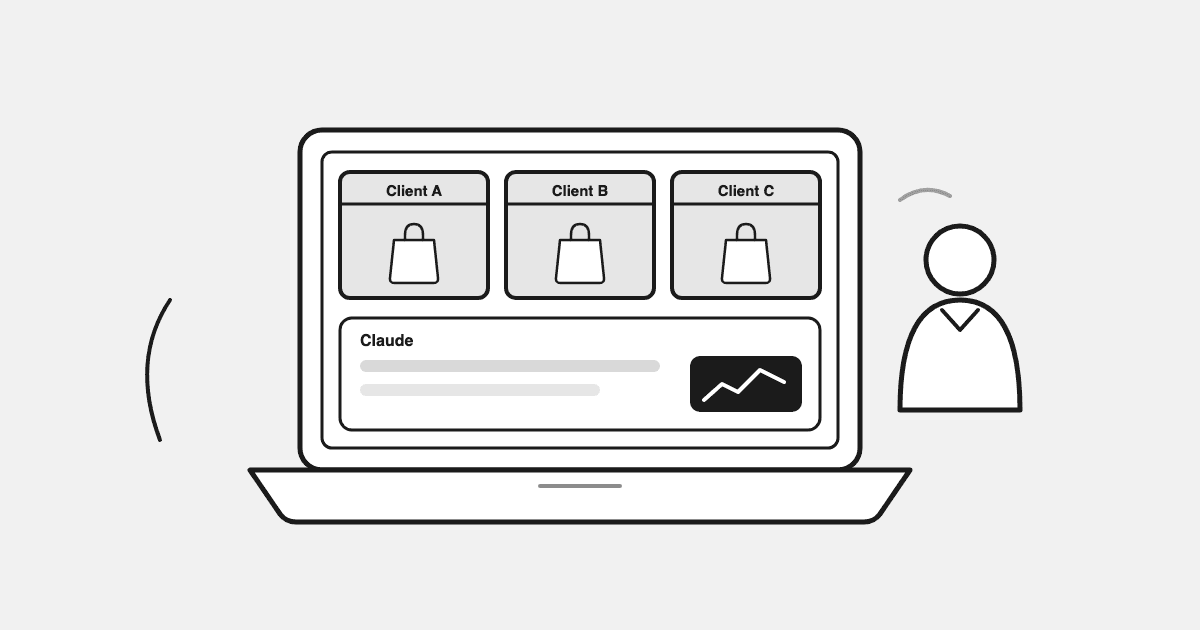
Most “AI for agencies” advice is about chatbots, content generation, or automating dev tickets. That’s not where a Shopify agency’s margin leaks. The margin leaks in the hours between “the client asks why ROAS dipped” and “someone finishes the deck that answers it.” This guide covers the layer of AI that fixes that: analysis and reporting across client ad accounts, with a setup you can run in about 10 minutes.
TL;DR
- Agencies point AI at content and dev tickets. The margin leak is in analysis and reporting across client ad accounts.
- Working media buyers told us what hurts: ROAS pressure, attribution, limited creative testing, client expectations, scaling without CPA creep. All analysis problems.
- Screenshot-pasting into ChatGPT fails because the AI only sees the ad platform’s side of the story, not real Shopify revenue.
- The working setup connects each client’s store + ad accounts once (~10 min), then Claude queries live data. First prompt: a 30-day wasted-spend audit, ~2 min per account.
- Keep strategy, relationships, and creative judgment human. Automate the pulling, joining, and first-pass reading of numbers.
What Does “Using AI” Actually Mean for a Shopify Agency?
There are three separate things people mean, and they get mixed together constantly:
- Client-delivery AI. Scoping, tickets, code generation, QA. Relevant if you’re a dev shop doing Shopify builds and migrations.
- Creative-production AI. Generating ad variations, UGC-style video, copy. Cheap to produce, and increasingly a problem: audiences have learned to spot AI slop, and 2026 feeds punish it.
- Analysis and reporting AI. Reading spend, revenue, and creative performance across every client account, and answering “what changed and what should we do” in minutes instead of an afternoon.
Almost all published guides cover the first two. Shopify’s own AI guide is written for merchants and never mentions agencies. The one agency-specific guide ranking for this topic covers dev-delivery automation only.
The third category is the one this guide is about, because it maps to what agency operators actually say hurts.
What Agency Media Buyers Told Us Actually Hurts
We run outreach to performance marketers who manage Shopify client accounts, and we ask a standard question: what pain points do you face every day? One performance marketing specialist at an ecommerce agency gave an answer worth quoting in full, because it’s the whole job in one paragraph:
“The biggest pain points I face are usually inconsistent lead quality, pressure to maintain ROAS, limited creative testing, tracking/attribution issues, and managing client expectations when results fluctuate. Also, scaling campaigns without increasing CPA is a constant challenge.”
Notice what’s not in that list: writing ad copy faster, generating more creatives, producing content. The pain is measurement, diagnosis, and communication. Five of those six problems are analysis problems:
| Pain point | What it actually requires |
|---|---|
| ROAS pressure | Knowing which spend is wasted before the client notices |
| Tracking / attribution | Reconciling platform-reported ROAS against real Shopify revenue |
| Limited creative testing | Knowing which creatives died and which concepts to feed |
| Client expectations | Explaining fluctuation with data, on the day it happens |
| Scaling without CPA creep | Seeing marginal performance per campaign, not blended averages |
AI that doesn’t touch these is a toy. AI that does is a retainer defense.
Why Pasting Screenshots Into ChatGPT Doesn’t Work
The first thing most media buyers try is exporting a CSV or screenshotting Ads Manager and asking ChatGPT what it thinks. It fails for a predictable reason: the model only sees what you showed it.
Platform-reported ROAS is one number. Shopify’s revenue is another. The gap between them is where most client arguments live (“your dashboard says 4x, my P&L says we lost money”). An AI reading only the ad platform’s export inherits the ad platform’s bias. To be useful in a client call, the AI has to read spend and store revenue together, live, per account.
That’s the architecture decision that matters, and it’s why the setup below connects data first and adds the AI second.
The Working Setup: Claude Reading Real Client Data (~10 Minutes Per Account)
This is the setup we deliver to agency folks who ask, verbatim. It uses Datadrew as the data layer and Claude as the analyst:
- Install Datadrew on the client’s store (free) and connect their Meta + Google ad accounts inside it. This creates the joined spend-plus-revenue layer.
- Add the MCP connector in Claude. Claude → Settings → Connectors → add custom connector:
https://mcp.datadrew.io/mcp. (New to MCP? Here’s which Shopify MCP server does what.) - Grab the prompt library at app.datadrew.io/datadrew-mcp.
From there Claude answers questions against the account’s real numbers. The full walkthrough with screenshots is in our guide to connecting Shopify to Claude and building a live dashboard.
The Prompts Agencies Actually Run
These map one-to-one onto the pain-point list above:
- “Audit my Meta account for wasted spend, last 30 days.” The first prompt worth running on any account. It reads real spend against real Shopify revenue and lists what’s burning budget. About 2 minutes per client account once connected. Run it before the client asks.
- “Which ads are fatiguing?” Creative death is gradual, and the signals show up before the ROAS drop does. Catching it a week early is the difference between “we rotated proactively” and “we explain a bad week.”
- “Calculate blended ROAS across Meta, Google, and Shopify for the last 30 days.” The reconciliation number that ends the platform-attribution argument. (Why blended ROAS, and what it can’t tell you.)
- “With this month’s budget fixed, what do I cut and what do I feed?” The scaling-without-CPA-creep question, asked as a decision instead of a dashboard.
- “Write my Monday client summary: what changed last week and why.” The report that used to eat a morning per client.
Grading Creatives on Purchases, Not CTR
The quiet failure mode in agency creative testing is optimizing for the metric that’s easy to see. CTR tells you an ad got attention. It doesn’t tell you the ad paid rent. When the data layer joins ad performance to store revenue, every creative can be graded on the purchases it produced, and creative testing conversations with clients change shape: “this concept wins on revenue per impression” instead of “this one has better engagement.”
What Stays Human
Being direct about the limits is part of the pitch to your own team:
- Client relationships. An AI summary is an input to the call, never the call.
- Strategy and judgment. The AI finds that branded search is subsidizing prospecting ROAS. Deciding whether to tell the client mid-quarter is your job.
- Creative direction. Grading creatives on purchases tells you which concept won. Making the next one is still craft, and in a feed full of AI-generated sameness, human craft is compounding in value.
- Accountability. Never send an unread AI analysis to a client. The failure mode isn’t the AI being wrong; it’s nobody checking before it ships.
How to Roll This Out Across a Client Roster
- Pick one account, ideally the one where reporting hurts most.
- Run the 10-minute setup. Run the wasted-spend audit the same day.
- Use the output in your next client call. If it lands, that’s your proof.
- Repeat per account. Setup is per-store, so each client is an isolated, permissioned connection. No shared logins, no data crossing between clients.
- Standardize the Monday-summary prompt across accounts once you trust it.
Agencies comparing the dashboard-tool route instead (Triple Whale, Polar, Northbeam and friends) can start with our breakdown of the alternatives. The honest difference: dashboards show you numbers on their schedule; an AI layer answers the specific question your client just asked.
FAQ
Does the client see any of this?
Only what you send them. The Datadrew install sits on their store like any analytics app; the analysis happens in your Claude workspace.
What does it cost?
The Datadrew install is free, and connecting Meta + Google is included. You start paying at the point where it’s already replaced reporting hours.
We’re a dev agency, not a media agency. Does this apply?
The analysis layer applies to whoever answers performance questions. If that’s not you, the delivery-automation category (scoping, tickets, QA) is the AI that maps to your margin instead.
Is this a replacement for a media buyer?
No. It’s a replacement for the part of a media buyer’s week spent exporting, joining, and formatting numbers. The judgment on top of the numbers is why clients pay you.